

How Zenx works
From local store availability to meals you can actually shop.
Zenx starts with your selected store and household needs, then builds a weekly plan around ingredients tied to your real shopping flow.

Tell Zenx who you are cooking for
Household size helps Zenx scale portions and shopping quantities.
Pick diets, proteins, exclusions, and meal focus
Omnivore, pescatarian, vegetarian, vegan, high-protein, budget-friendly, and more.
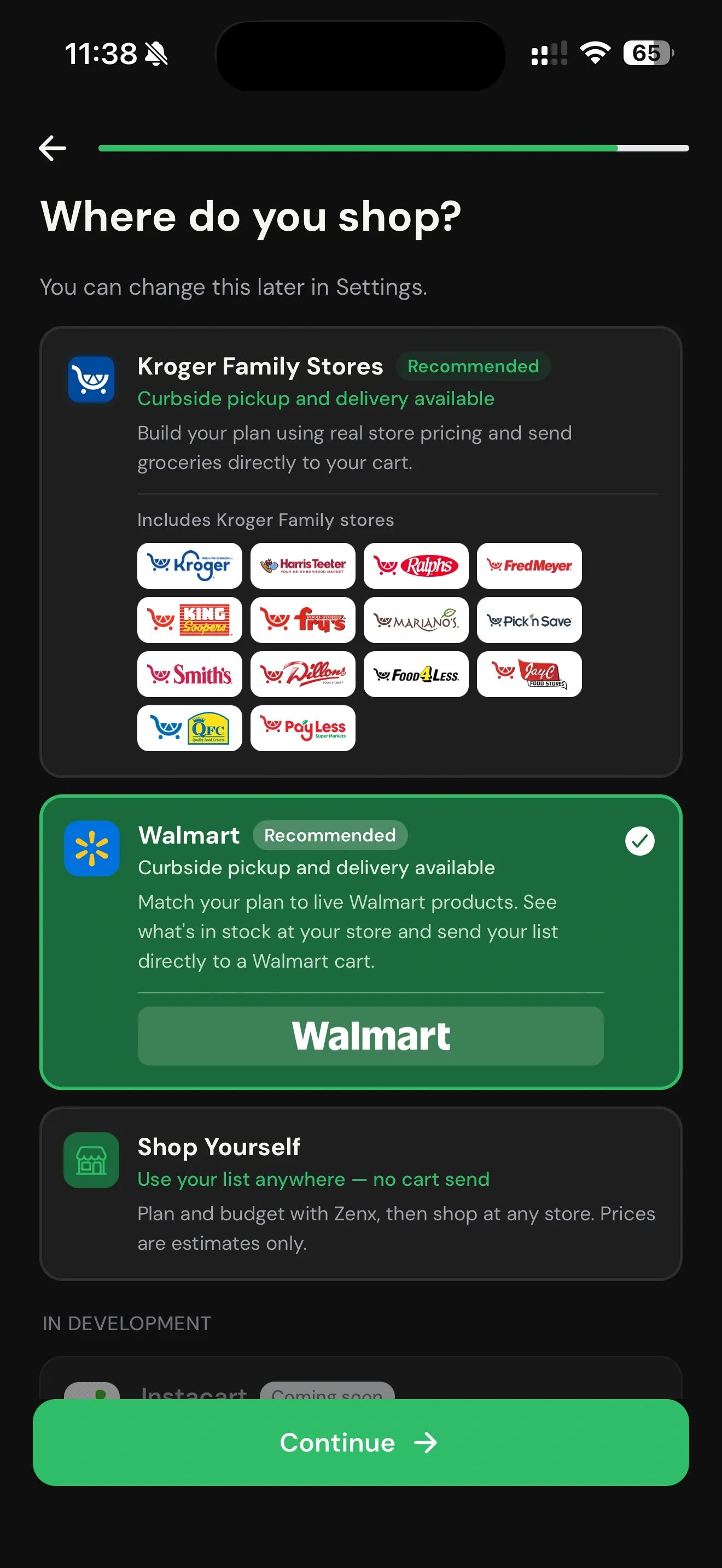
Choose your shopping mode
Walmart, Kroger Family Stores, Harris Teeter, or Shop Yourself.
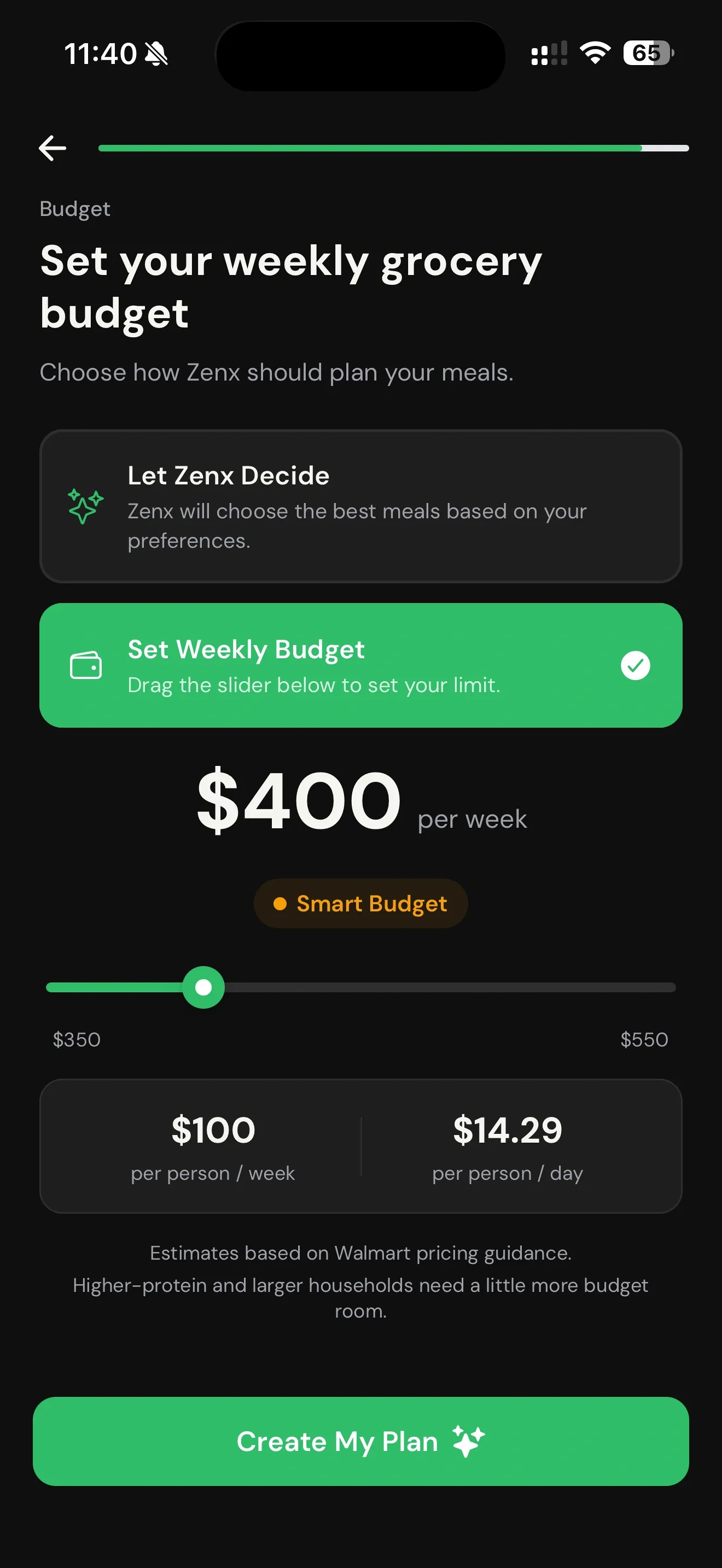
Set budget and pantry staples
Zenx can plan around a weekly budget and skip pantry items you already have.
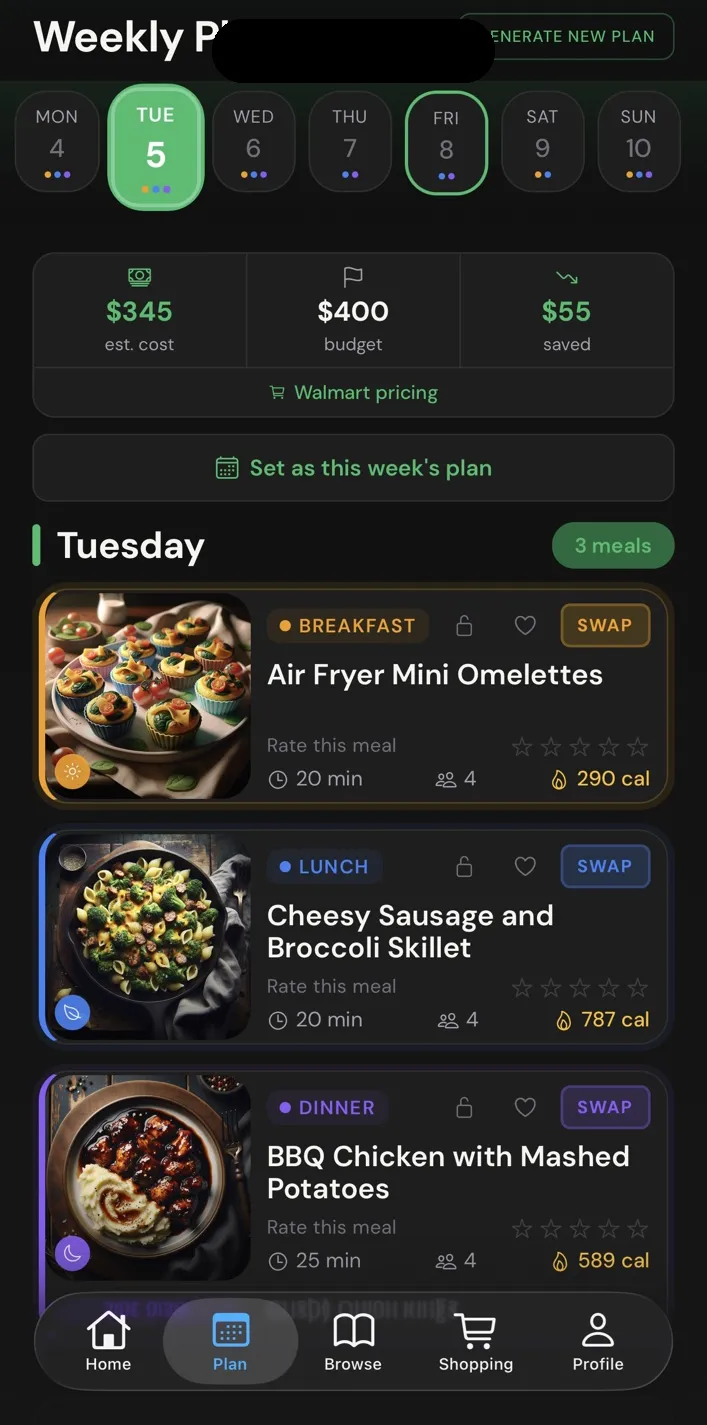
Generate, browse, swap, and shop
Use the weekly plan, review ingredient matches, and move toward pickup, delivery, or a smarter self-shop list.
How Zenx builds the cart
From meal plan to a cart you can actually review.
Zenx does not stop at a recipe list. It checks the selected store, matches ingredients to real products, groups repeated items, and prepares a shopper-ready cart flow.

Checks item intentZenx looks for the right product family and form, not just matching words.
Builds cleaner rowsRepeated ingredients are grouped so the list feels shopper-natural.
Review before sendUsers stay in control before anything moves toward a retailer cart.